SSF Ops (Simple Smart Field Services Operations) is a multi-company, multi-site workspace for planning service work, managing people and assets, collaborating with customers and providers, and preparing commercial documents. It is designed for field-service businesses that need one place to follow a job from request to completion and billing.
Who it is for
- Main contractors and service companies coordinating multiple sites, staff, customers and providers.
- Operations managers, dispatchers and supervisors responsible for intake, scheduling and approval.
- Technicians who receive assignments, record job updates and submit evidence.
- Customers who need visibility into requests, service visits, quotations and invoices; their dedicated portal is currently a preview.
- Service providers and subcontractors who collaborate through direct relationships; Partner Hub supports direct work, team setup, explicitly shared attendance, bilateral quotations and invoices.
- Consultants associated with projects and site contacts; a dedicated consultant portal is planned.
- Platform operators managing SaaS companies, plans and backups; internal instructions are in the separate Super Admin guide.
Working company functions in this staging source
- Company profile: legal identity, VAT, contact details, logo, payment details and document-reference selection.
- Organization: operating sites, contacts, supervisors, consultant contacts, teams, shifts, staff invitations, roles and site access.
- Customers: records, contacts, branches and assignment to an operating site.
- Operations: work intake, priority, scheduling, eligible assignees, field progress, evidence, completion review and activity history.
- Service records: customer assets, service history and AMC / SLA agreements.
- Commercial: materials and services catalogue, multiple-item quotations, versions, customer-response recording and invoices from work or quotations.
- Documents: branded quotation and invoice print views, VAT and dates, with company or SSF Ops references.
Preview and planned areas
- The customer portal remains a preview. Partner Hub now supports direct work and bilateral finance; authenticated staging lifecycle checks remain pending.
- A dedicated consultant login and approval workflow is planned.
- Delivery notes, service reports and email or WhatsApp sending need their own verified workflows.
- White-label packaging, dealer and agent operations, marketplace, ERP connectors, payments, mobile apps and the full client application are product direction or partial platform work; each feature will be documented as Available only after an end-to-end staging walkthrough.
How the product stays organized
- Each company is a separate tenant with its own reference, members and operating records.
- Users see sections allowed by their role and permitted sites.
- Company-owned document numbers can be printed while the SSF Ops reference remains searchable internally.
- Super Admin operations stay outside the public wiki, in a separate authenticated platform area.
How to use this function
- Start with a company workspace and its operating sites.
- Register customers, their contacts, service locations and covered assets.
- Create a service request, schedule eligible technicians, capture field updates and evidence, then review completion.
- Prepare itemized quotations and invoices with your company identity, VAT and reference choices.
- Use the role guides below for the exact current screen and permissions. Check each topic's Available, Preview or Planned badge before relying on a workflow.
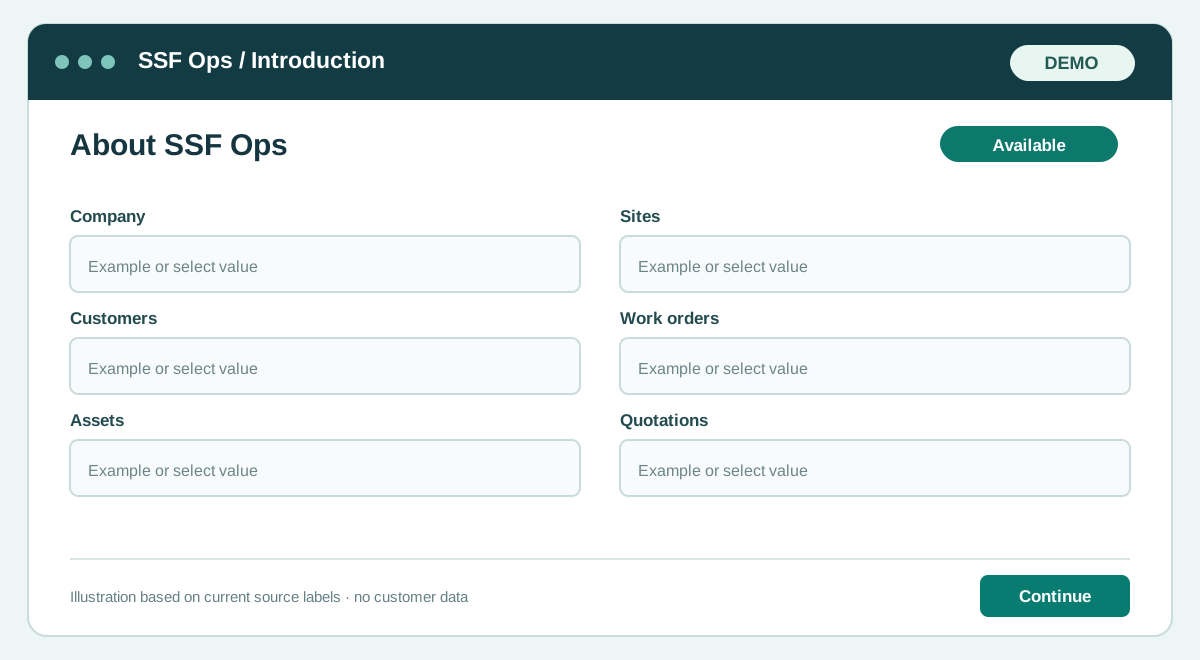
Fields and controls shown in the demo
- Company
- Sites
- Customers
- Work orders
- Assets
- Quotations
- Invoices
Guide updated 2026-10-01. Release changes must update this page and its image together.