
Create your company workspace, save its TEN reference and verify the owner email.
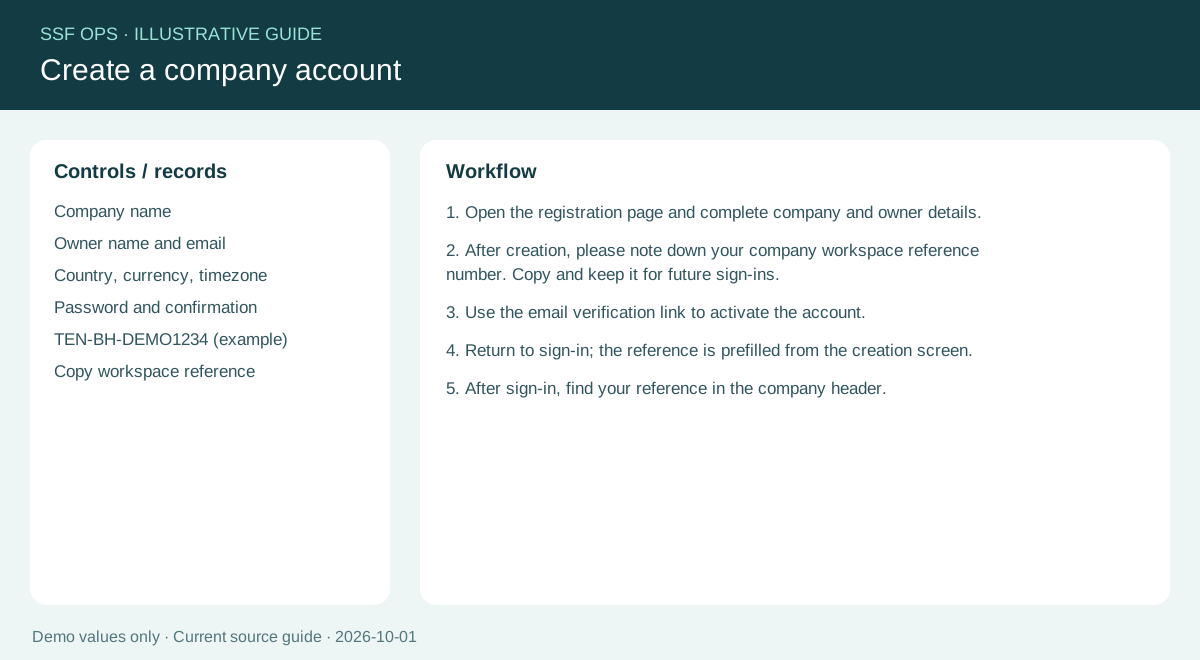
How to use this function
- Open the registration page and complete company and owner details.
- After creation, please note down your company workspace reference number. Copy and keep it for future sign-ins.
- Use the email verification link to activate the account.
- Return to sign-in; the reference is prefilled from the creation screen.
- After sign-in, find your reference in the company header.
Fields and controls shown in the demo
- Company name
- Owner name and email
- Country, currency, timezone
- Password and confirmation
- TEN-BH-DEMO1234 (example)
- Copy workspace reference
Guide updated 2026-10-01. Release changes must update this page and its image together.