
Give each staff member a company-defined position title, such as CCTV Technician or Site Supervisor. Existing titles are suggested. Position names never change security permissions. Verify on staging.
Preview: this function is not available end to end in the supplied staging source.
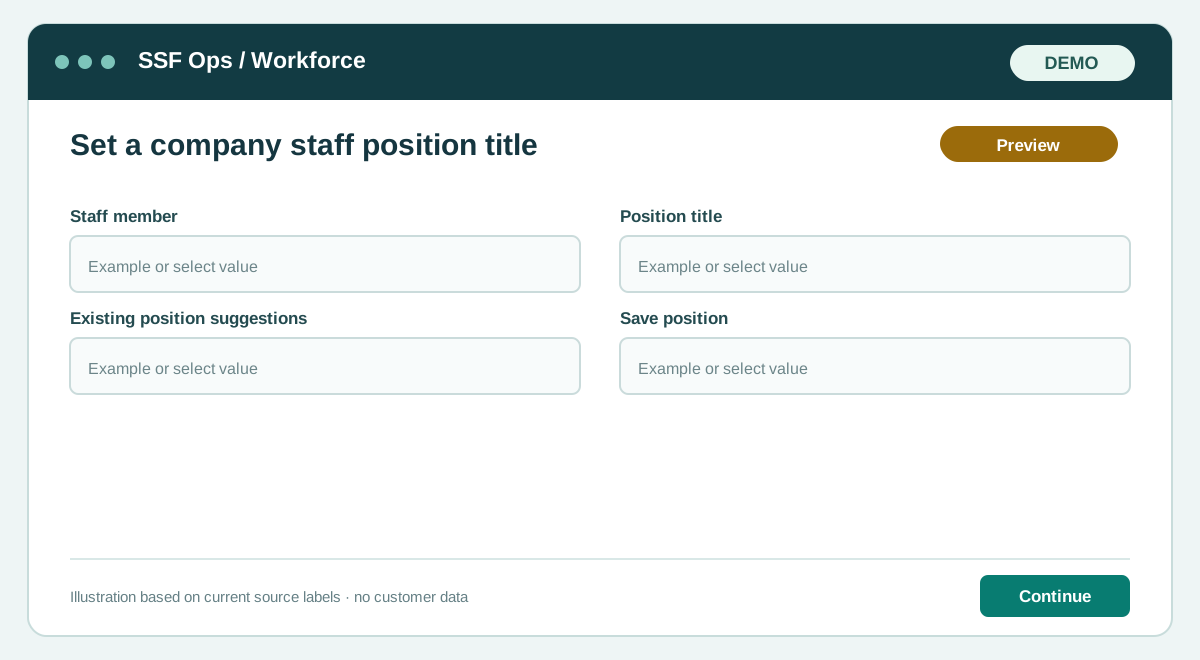
How to use this function
- Open Company admin → Users, roles & access.
- Select Position on a staff member.
- Enter any company job title or reuse an existing suggestion, then save.
- Confirm the title appears in the staff register; use Role / Site separately for permissions.
Fields and controls shown in the demo
- Staff member
- Position title
- Existing position suggestions
- Save position
Guide updated 2026-09-27. Release changes must update this page and its image together.