
An accepted quotation or approved closed work order can be used as an invoice source only once.
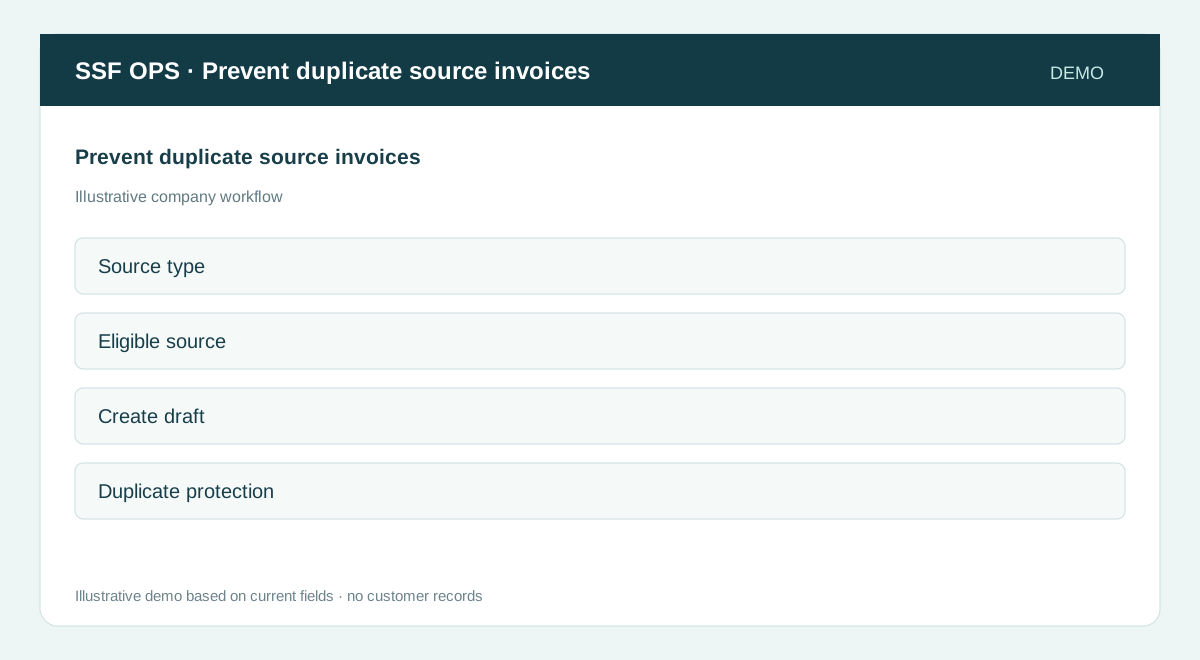
How to use this function
- Choose Create invoice and select an accepted quotation or approved closed work order.
- Create one draft for that source.
- Return to Create invoice; the same source is no longer eligible.
- The server rejects a repeated submission if it is attempted.
Fields and controls shown in the demo
- Source type
- Eligible source
- Create draft
- Duplicate protection
Guide updated 2026-09-30. Release changes must update this page and its image together.