
Record cumulative payment against an issued invoice and see paid amount, balance and partial or paid status.
How to use this function
- Open an issued invoice and choose Record cumulative payment.
- Enter the total received to date, including previous payments.
- Save and inspect the paid amount and remaining balance.
- A partial amount shows Partially paid; the full amount shows Paid and a zero balance.
Fields and controls shown in the demo
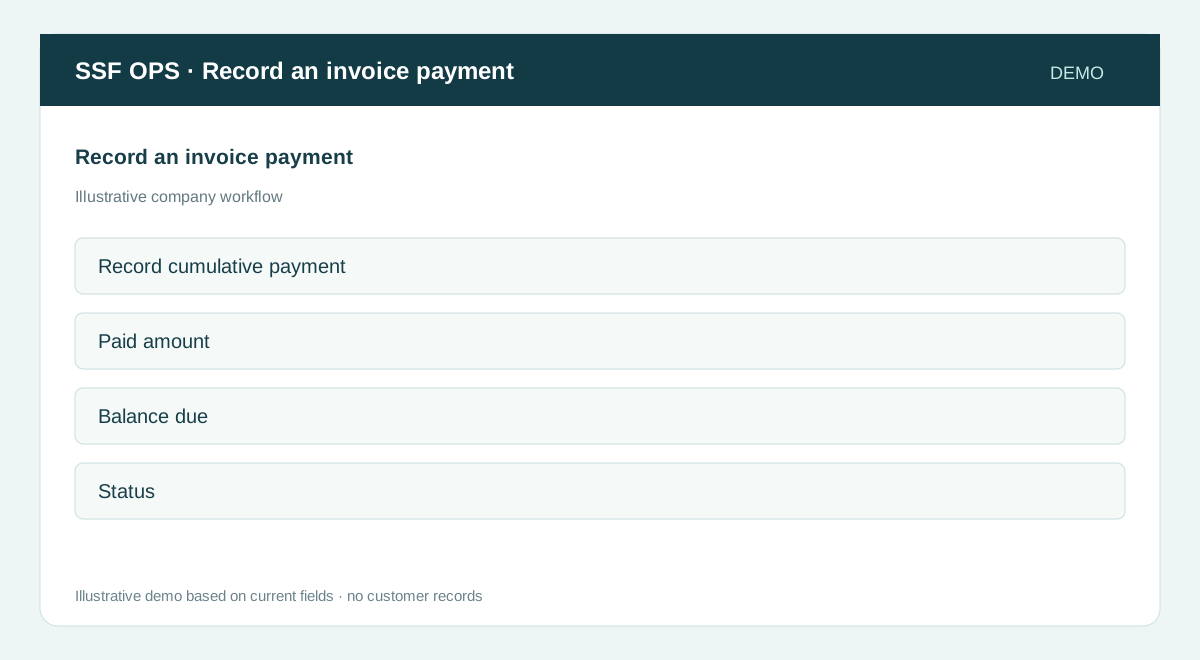
- Record cumulative payment
- Paid amount
- Balance due
- Status
Guide updated 2026-09-30. Release changes must update this page and its image together.