Retain a client PO number and original file against the exact sent quotation version.
Notes
- A client PO upload does not accept a quotation automatically or record payment.
- The original remains private to the quotation issuer and authorized site users. Only reference numbers are placed on invoices.
- Buyer-issued partner POs are visible from the Purchase orders register once issued.
How to use this function
- Open your issued company or partner quotation while it is Sent or Accepted.
- Select Record client PO and enter the client’s PO number.
- Upload the original PDF, PNG or JPEG up to 5 MB. Review the source and save.
- Use Open original PO to retrieve the private document after access is checked again.
- Invoices created from this quotation display its client PO references. Direct partner buyer-issued POs also appear as references on their supplier invoice.
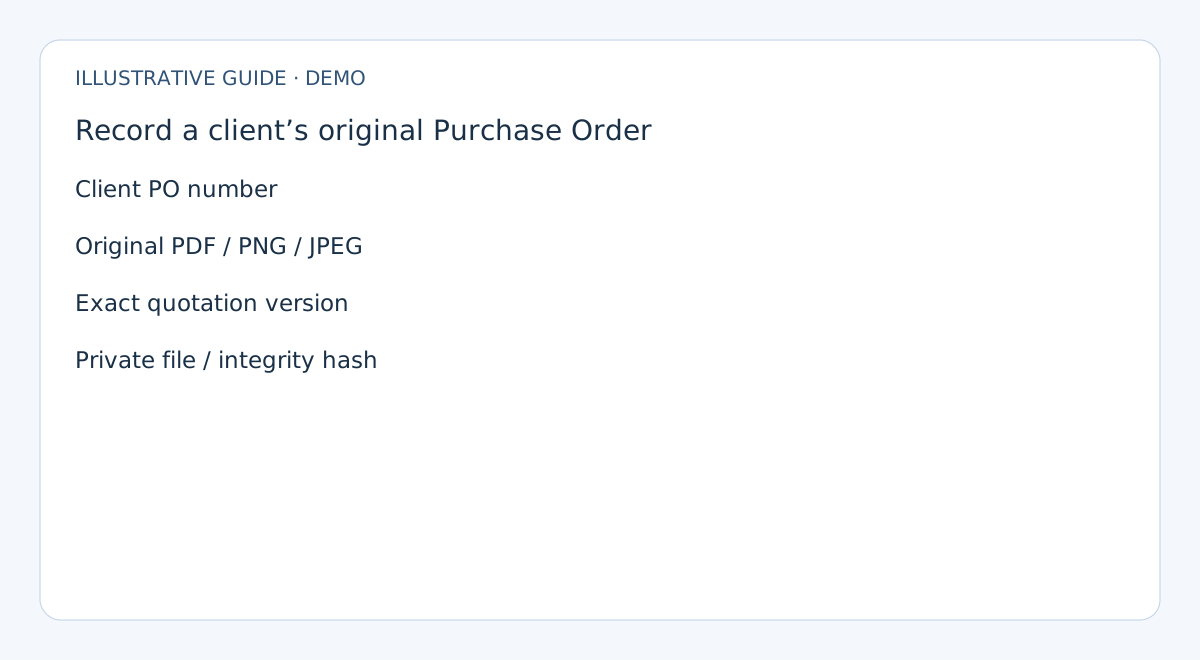
Fields and controls shown in the demo
- Client PO number
- Original PDF / PNG / JPEG
- Exact quotation version
- Private file / integrity hash
Guide updated 2026-10-06. Release changes must update this page and its image together.