
Enter or edit the company invoice reference on a draft; the system number stays intact and searchable. Company profile controls which number prints. Verify on staging.
How to use this function
- Create or open a draft invoice.
- Enter the company invoice reference and save it.
- Confirm the invoice detail and PDF use the expected reference display setting.
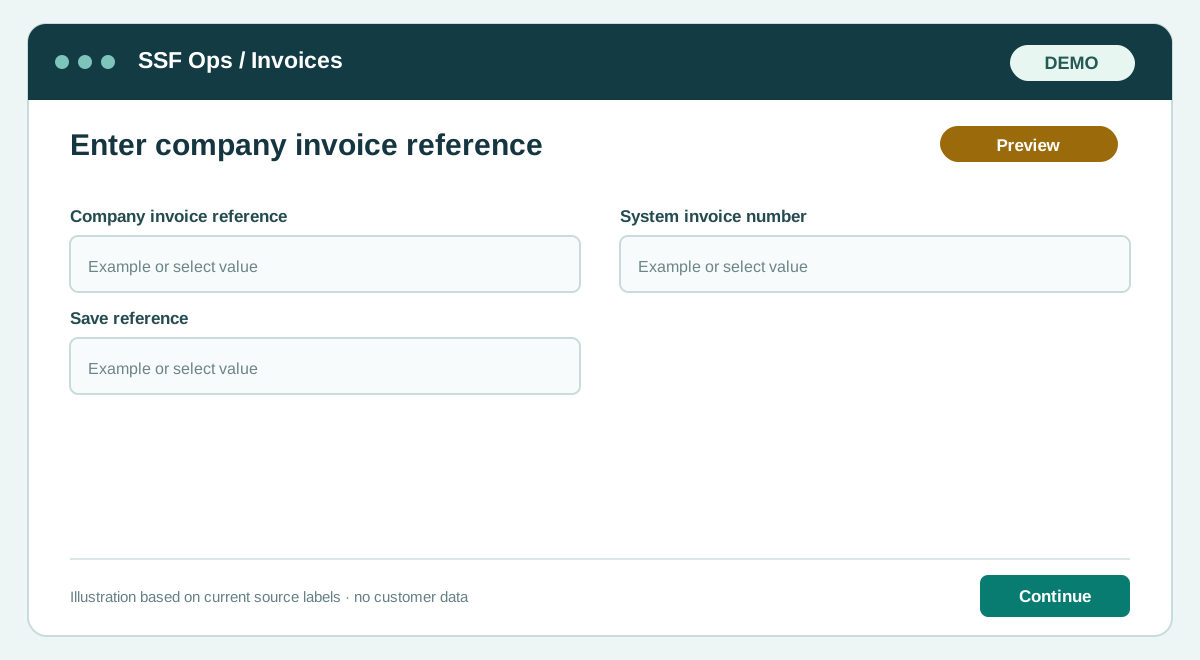
Fields and controls shown in the demo
- Company invoice reference
- System invoice number
- Save reference
Guide updated 2026-09-30. Release changes must update this page and its image together.