
Filter company invoices, inspect status, due date, paid amount and remaining balance, and open an invoice for actions or printing.
How to use this function
- Open Company admin → Invoices.
- Filter by status or search an exact invoice reference.
- Open a row for invoice details, balances, lines and print/PDF.
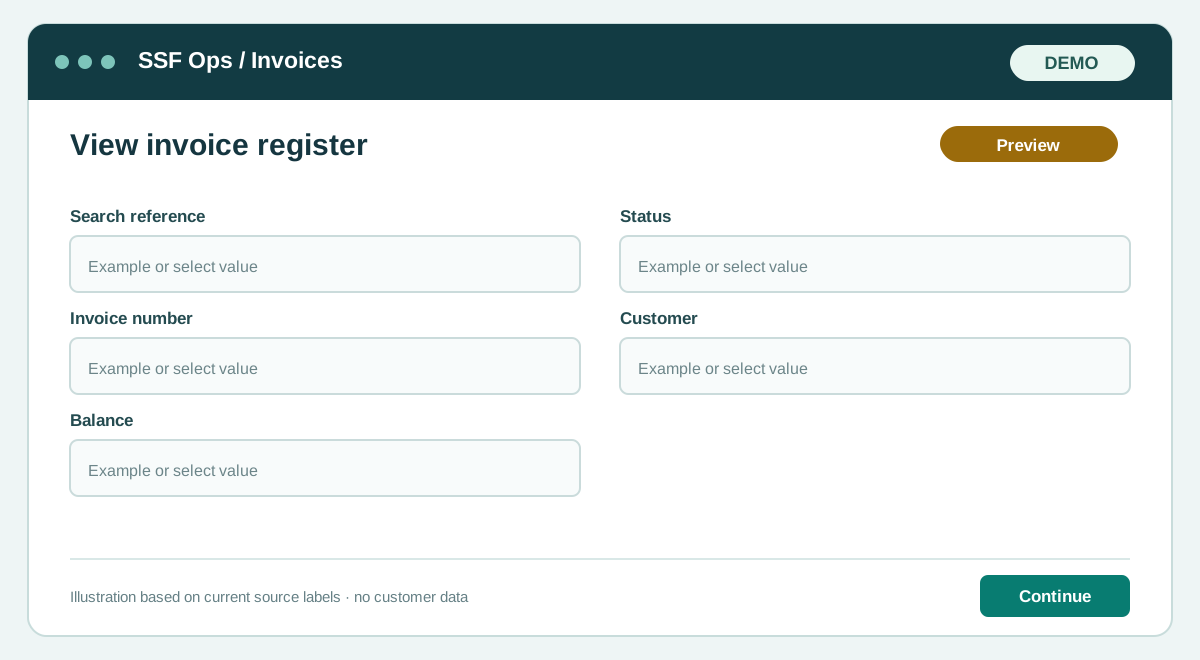
Fields and controls shown in the demo
- Search reference
- Status
- Invoice number
- Customer
- Balance
Guide updated 2026-09-30. Release changes must update this page and its image together.