
Print, download or email a receipt for each positive payment recorded against an invoice.
How to use this function
- Open a company or partner invoice and record the cumulative paid amount using the invoice payment action.
- Only a positive increase recorded as Partially paid or Paid creates a receipt. Status-only history entries do not.
- Inside invoice details, find Payment receipts and select View receipt.
- Check the individual payment amount, cumulative paid amount and balance after that payment. Earlier receipts keep those historical amounts.
- Download PDF or use Print / Save PDF. The issuing company layout and custom letterhead apply.
- An authorized invoice issuer can select Send by email, review and confirm the recipient and attachment, then check Email history. A receiving partner may view a receipt but cannot email it as the issuer.
- Download PDF preserves the reference-based filename. Print uses the same document title, but Microsoft Print to PDF may request a filename; use Copy filename and paste it in the save dialog.
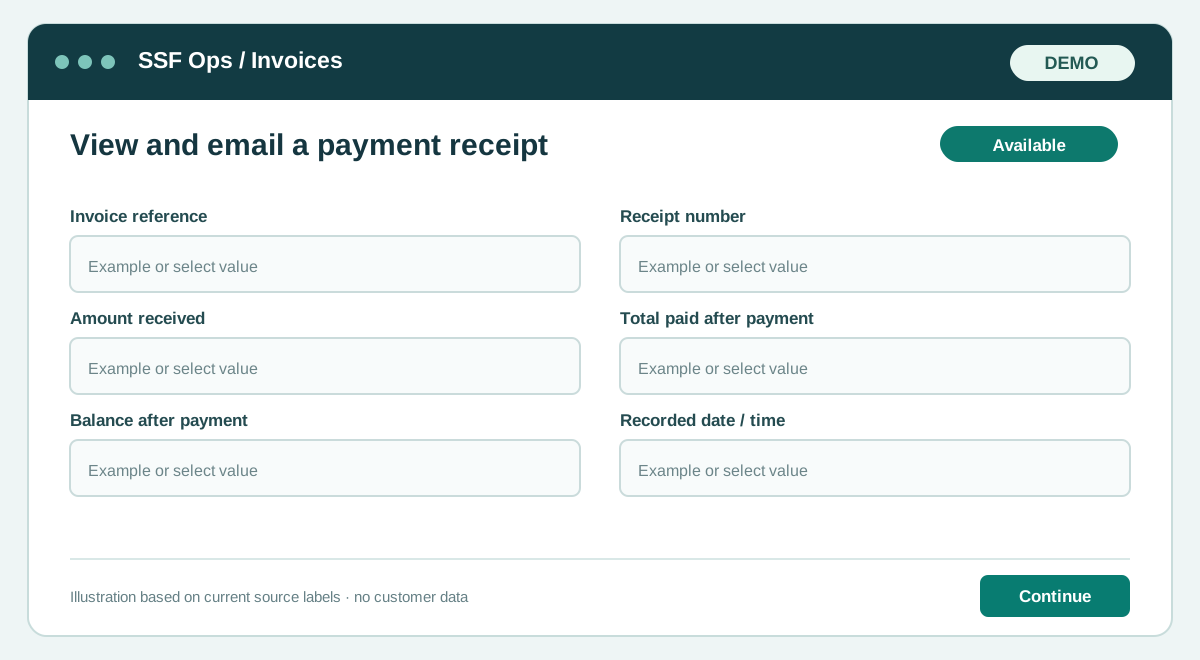
Fields and controls shown in the demo
- Invoice reference
- Receipt number
- Amount received
- Total paid after payment
- Balance after payment
- Recorded date / time
Guide updated 2026-10-08. Release changes must update this page and its image together.