Download a branded A4 work order and review an email attachment.
Notes
- PDF and email do not complete a job.
- Partner PDFs contain direct-party job details; private relay chains and attendance are excluded.
- Work times use the issuing company timezone.
How to use this function
- Open Work orders, view the job, then select Work order PDF / email. Partner work has the same action in its detail window.
- Check the company identity, job location, schedule and full scope in the A4 preview.
- The issuer’s Company profile layout is used, including uploaded Custom header/footer. A small light SSF OPS credit sits at bottom right.
- Download PDF or use Print / Save PDF. Field staff see only authorized assigned work.
- An authorized issuer can select Send by email, review the recipient, message and attachment, then confirm and send.
- Check Email history and Mailpit during staging. An uncertain result must be checked before preparing another email.
- Download PDF preserves the reference-based filename. Print uses the same document title, but Microsoft Print to PDF may request a filename; use Copy filename and paste it in the save dialog.
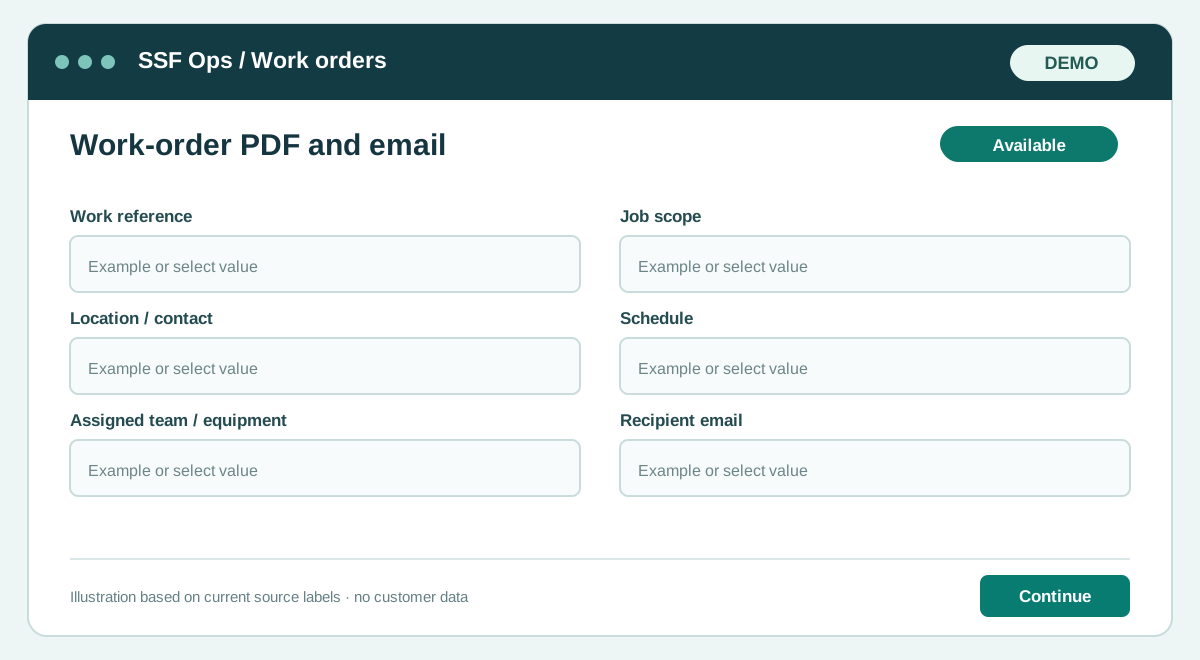
Fields and controls shown in the demo
- Work reference
- Job scope
- Location / contact
- Schedule
- Assigned team / equipment
- Recipient email
Guide updated 2026-10-08. Release changes must update this page and its image together.