
Publish selected partner attendance snapshots for a specific job without exposing the full attendance register.
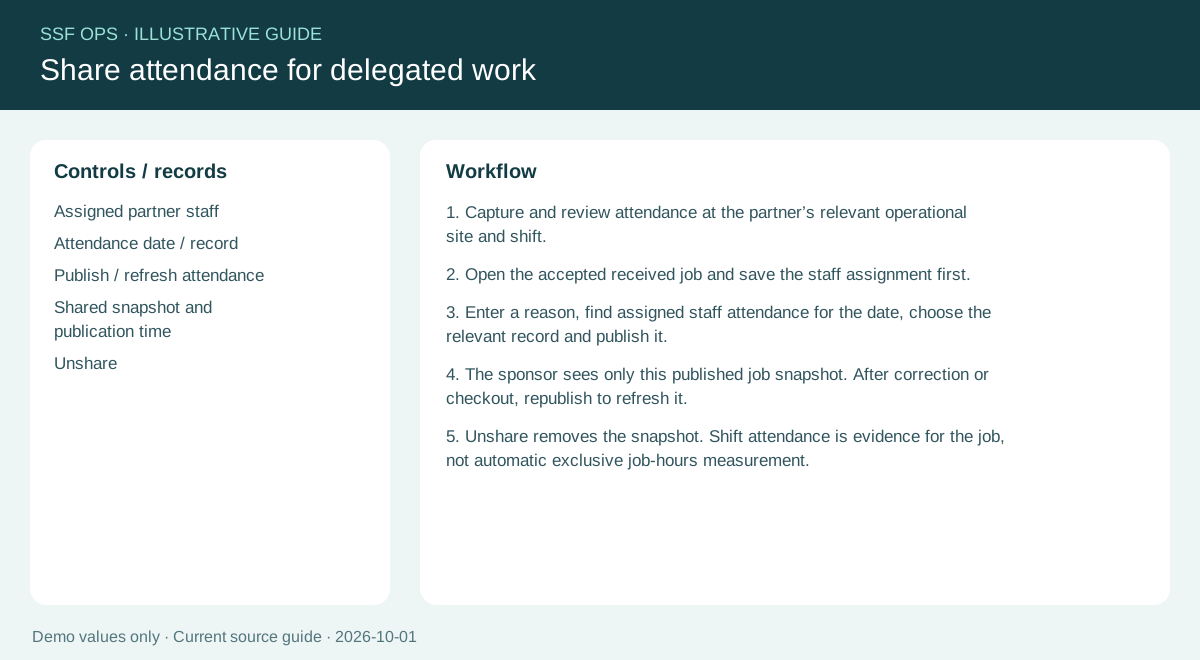
How to use this function
- Capture and review attendance for the relevant partner site and shift. Times are shown in 24-hour format.
- Open accepted received work and save the staff assignment with a reason of at least five characters.
- Enter a reason, find assigned staff attendance for the date, choose the relevant record and Publish / refresh attendance.
- The sponsor receives only the published snapshot. Corrections and checkout remain private until republished.
- To correct attendance, open Attendance register → Correct. Enter a date and HH:mm time such as 18:58, plus a reason. You do not need to unshare before correcting.
- Return to the job and republish with a reason to update the sponsor. Unshare removes the published snapshot without deleting the private record or audit history.
- A shift attendance record supports a job; it does not automatically measure exclusive time on that job. Select a record relevant to the job and location.
Fields and controls shown in the demo
- Assigned partner staff
- Attendance date / record
- Publish / refresh attendance
- Shared snapshot and publication time
- Unshare
Guide updated 2026-10-03. Release changes must update this page and its image together.