
Manage direct relationships and manually shared invitation links. Sponsored partners cannot invite downstream partners.
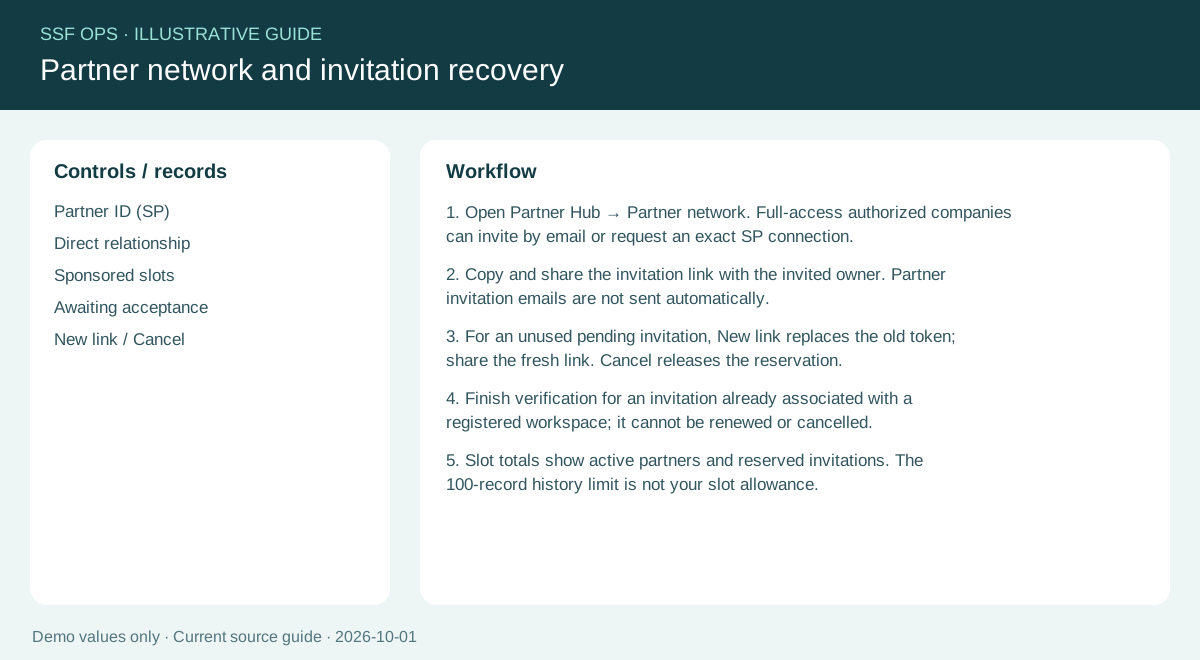
How to use this function
- Open Partner Hub → Partner network. Full-access authorized companies can invite by email or request an exact SP connection.
- Copy and share the invitation link with the invited owner. Partner invitation emails are not sent automatically.
- For an unused pending invitation, New link replaces the old token; share the fresh link. Cancel releases the reservation.
- Finish verification for an invitation already associated with a registered workspace; it cannot be renewed or cancelled.
- Slot totals show active partners and reserved invitations. The 100-record history limit is not your slot allowance.
Fields and controls shown in the demo
- Partner ID (SP)
- Direct relationship
- Sponsored slots
- Awaiting acceptance
- New link / Cancel
Guide updated 2026-10-01. Release changes must update this page and its image together.